A Safer Way to Resize Your Linux Root Disk reboot free
I saw a friend sharing a blog post recently about resizing a server disk live, without any downtime. It walked through the classic fdisk method: deleting and recreating the root partition with the exact same start sector, then running resize2fs to expand the filesystem. It's a battle-tested trick that's saved countless admins in a pinch, especially on older non-LVM setups.
But it had me digging deeper—what if your system uses LVM (Logical Volume Manager), the default on pretty much every modern Linux distro like Ubuntu, Debian, CentOS, RHEL, and most cloud VMs? The fdisk approach still works, but it's higher risk and totally unnecessary with LVM's built-in flexibility. So I decided to lay out the alternatives: a cleaner, safer method that leverages LVM fully, keeps everything online, and avoids those heart-stopping partition table tweaks.
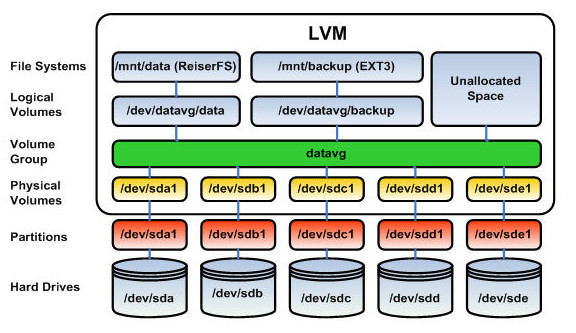
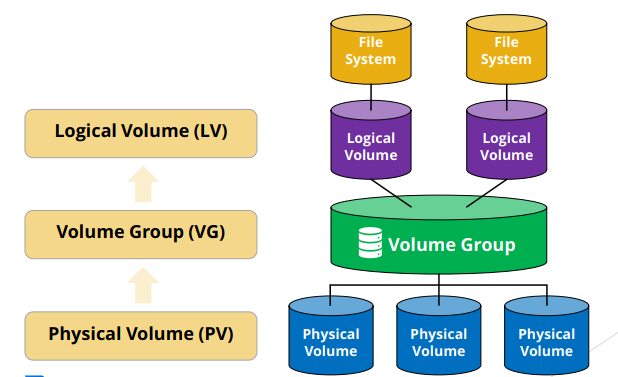
(Typical LVM architecture diagrams—showing Physical Volumes (PVs), Volume Groups (VGs), and Logical Volumes (LVs). This layered setup is why resizing is so smooth.)
Understanding Why LVM Changes the Game
Before diving in, let's quickly recap LVM. Introduced back in the early 2000s, Logical Volume Manager abstracts your storage: physical disks (or partitions) become Physical Volumes, grouped into Volume Groups (like a pool of space), and then carved into Logical Volumes (which hold your filesystems).
This means you can resize volumes dynamically—grow, shrink, snapshot—without rebooting or unmounting root in most cases. Most cloud providers (AWS, Azure, GCP, DigitalOcean) and hypervisors (VMware, Proxmox) default to LVM for root precisely because of scenarios like this: your app blows up, storage fills, and you need more space now.
The old fdisk method? It directly manipulates the partition table on a running system. Get the start sector wrong by one, and boom—filesystem corruption. LVM sidesteps that by handling expansion at a higher level.
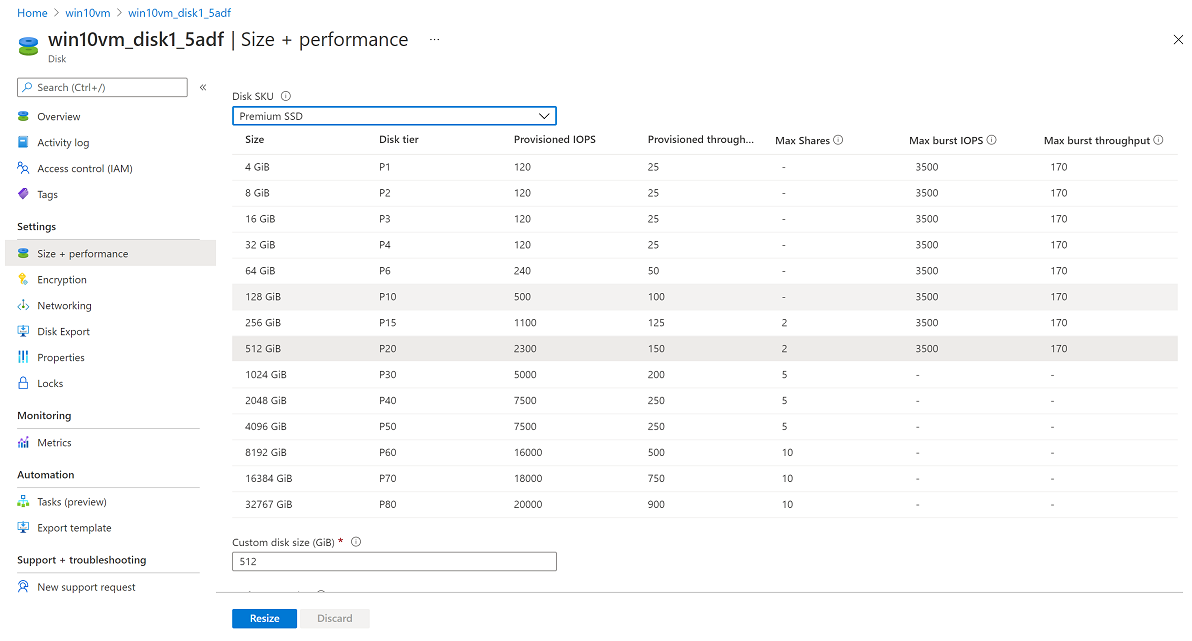
(Examples from cloud consoles like Azure where you increase the virtual disk size—the first step before touching the OS.)
Prerequisites and Safety First
Always:
- Snapshot your VM if your provider supports it (most do). Rollback heaven.
- Work on a test server first if this is production-critical.
- Check your current layout: Run
lsblk -fordf -hto map everything.
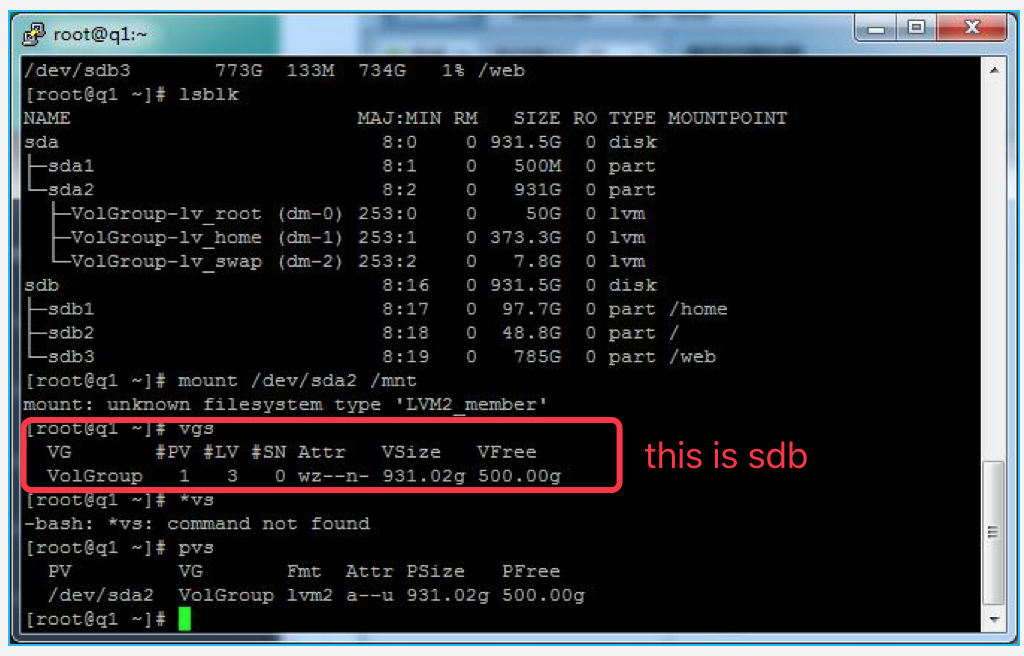
(Sample lsblk outputs showing typical LVM setups—note the mapper devices for root, swap, etc.)
Detailed Step-by-Step Guide: Online Resize with LVM
-
Increase the Disk Size in Your Hypervisor/Cloud Console
This is provider-specific, but zero downtime. Shut down only if required (rare). -
Rescan the Disk Inside the OS
Force Linux to detect the new size:echo 1 > /sys/class/block/sdX/device/rescan(Or for NVMe:
echo 1 > /sys/class/block/nvme0n1/device/rescan)
Verify:fdisk -l /dev/sdX || lsblk -
Resize the Partition Containing the LVM PV (If Applicable)
Many setups have /boot on partition 1, LVM on partition 2. Usegrowpart(from cloud-utils/cloud-utils-growpart package)—way safer than fdisk.sudo growpart /dev/sdX 2
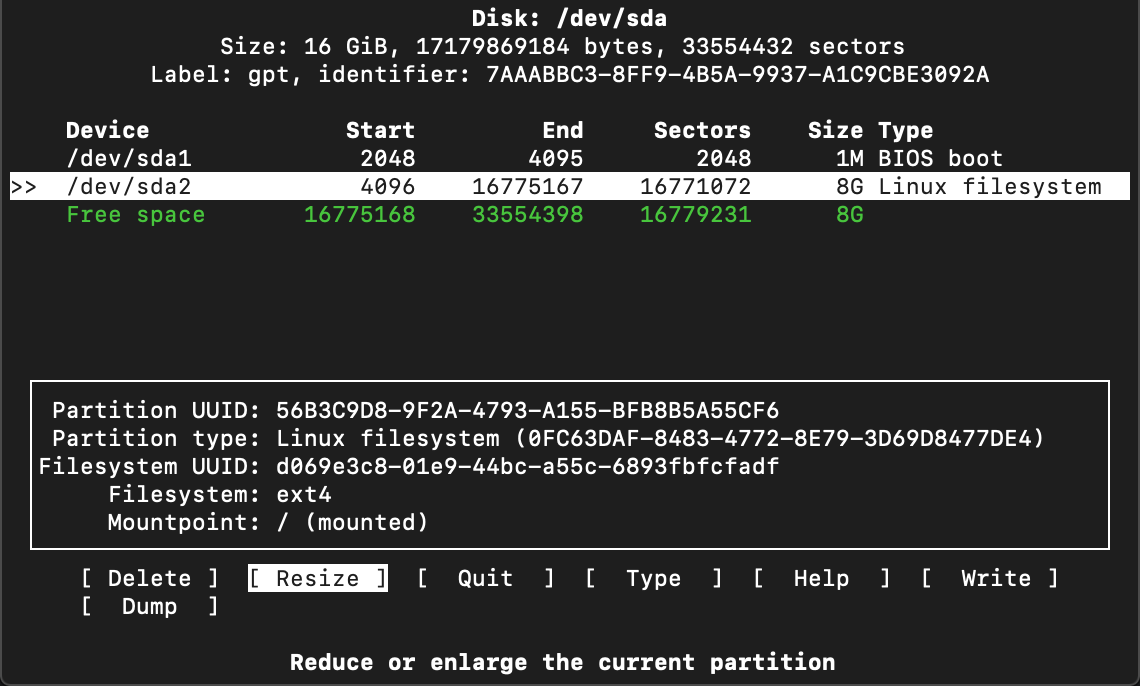
(Visual of growpart resizing the partition in action.)
-
Resize the Physical Volume
sudo pvresize /dev/sdX2Now
pvdisplayorvgdisplayshows the extra free PE (Physical Extents).
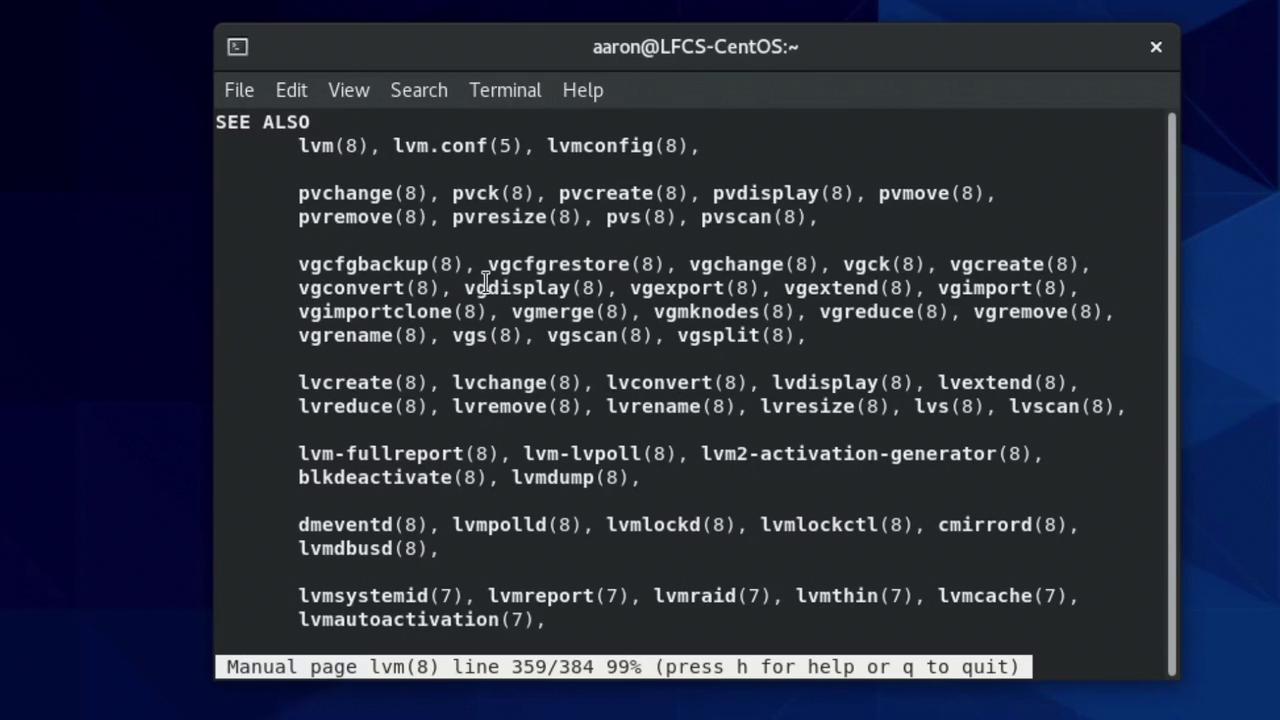
(Terminal shot of pvresize and related LVM commands expanding the PV.)
-
Extend the Logical Volume
Identify your root LV (usually/dev/mapper/ubuntu--vg-ubuntu--lvor/dev/vg/root):sudo lvextend -l +100%FREE /dev/mapper/yourvg-rootOr add specific size:
sudo lvextend -L +100G /dev/mapper/yourvg-root
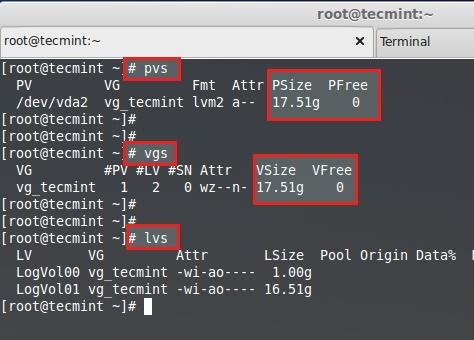
(Examples of lvextend in action and verification.)
-
Expand the Filesystem
-
For ext4:
sudo resize2fs /dev/mapper/yourvg-root -
For XFS:
sudo xfs_growfs /
Watch it grow in real-time.
-
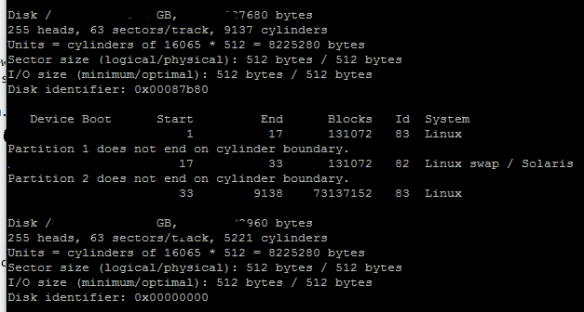
(Before/after views showing the space jump via df -h.)
Common Variations and Troubleshooting
- Whole-disk LVM (no partitions): Skip growpart—pvresize directly on /dev/sdX.
- Multiple PVs/VGs: pvresize each, then lvextend from the right VG.
- Errors? If rescan fails, try
partprobeorecho "- - -" > /sys/class/scsi_host/hostX/scan. - Non-root volumes: Same steps, but unmount if needed.
- Shrinking? Much riskier—requires offline, careful reduction.
When to Stick with the Original fdisk Method
If you're on a legacy non-LVM system (rare these days), the delete/recreate trick is still king. But migrate to LVM next chance—it's worth it for manageability.
Final Thoughts
This LVM method has saved me countless late-night fires. It's reliable, fast, and scales beautifully. In 2025, with cloud everything, mastering this is table stakes for any serious Linux admin.
[IMAGES HAVE BEEN DOWNLOADED FROM INTERNET USING AI]